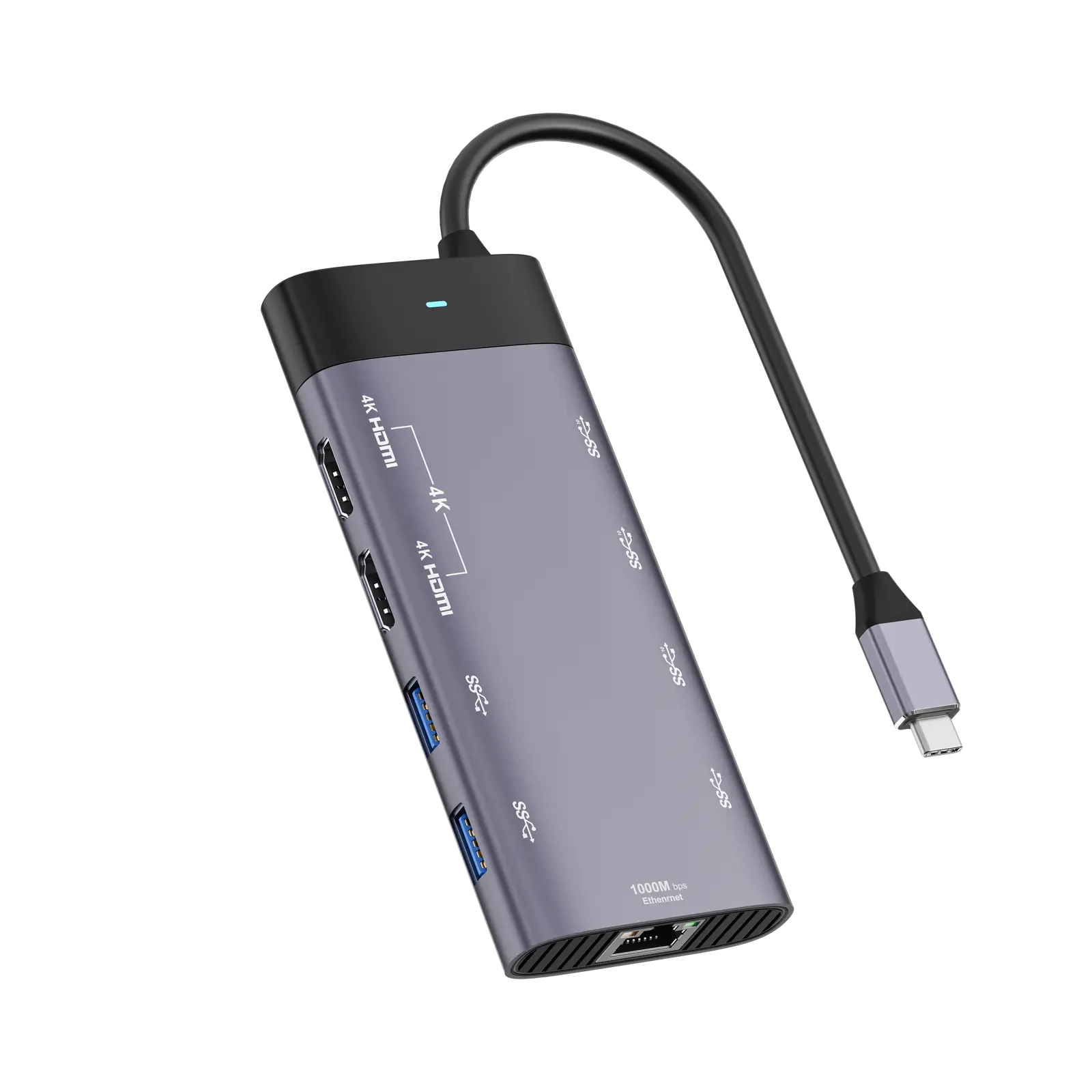
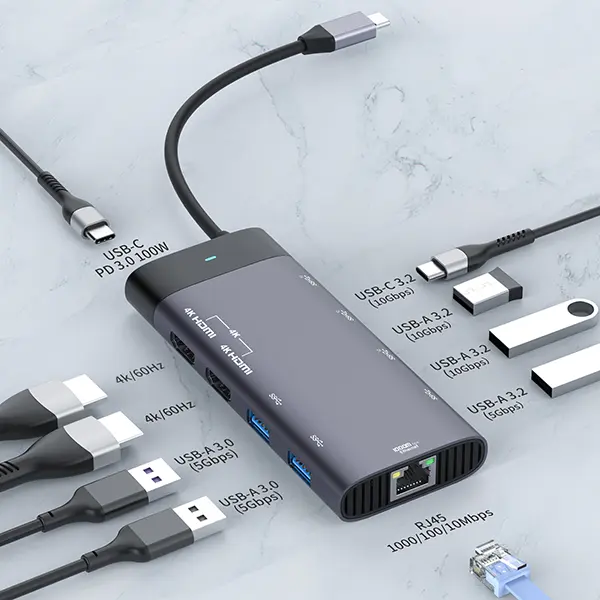
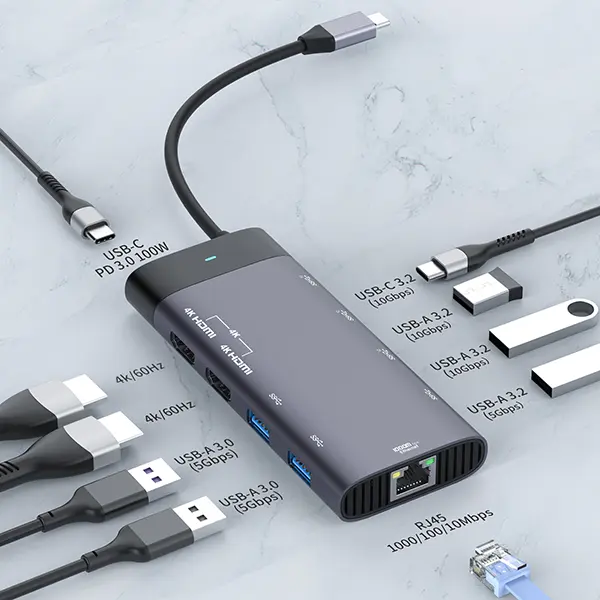
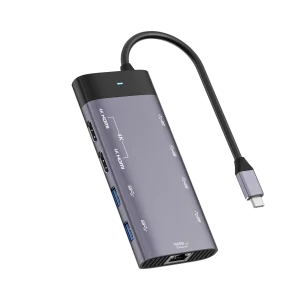
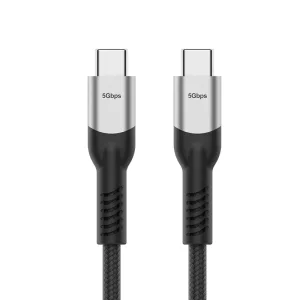
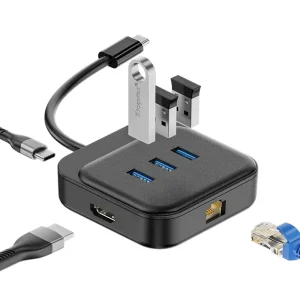
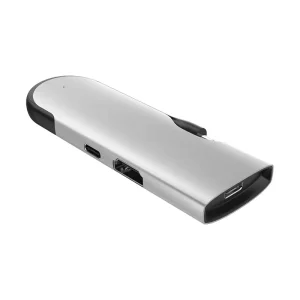
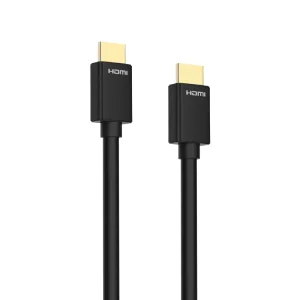
With the laptop docking station, on DP1.4/2.0 laptop, singly connecting HDMI can achieve 3840x2160@60HZ(4K@60HZ); When connecting 2 monitors, HDMI 1 can achieve 3840x2160@60HZ, HDMI 2 can achieve 3840x2160@60HZ; Windows laptops can support SST & MST Modes, and macOS can support SST Modes (Limited by Mac itself).
USB C Multiple Hub is equipped with 3* USB3.1, 2* USB 3.2, 1*USB C 10G. The latest USB3.1 port can achieve 10Gbps data transfer speed, which transfers files or pics in seconds. Compared with USB3.0, USB3.1 is twice as fast. USB 3.0 can connect to a mouse, keyboard, and USB disk without delay, extending your workspace easily.
The USB C Multiple Adapter is designed with an ethernet port and USB-C PD charging port. Gigabit Ethernet port gives you stable and fast Ethernet status and speed. Meanwhile, it supports up to 100W charging (Input 100W, Output 87W). Please use the original charger or PD3.0 charger for stable and fast charging for your laptop.
Previous: Wholesale OEM 4K 48Gbps Ultra High Speed Ultra Slim HDMI 2.1 Cables with Ultra Certified Label, 36AWG OD:3.2mm; 4K@120Hz, HDR 10, HDCP 2.2 & 2.3, 1440P, 1080P, eARC Compatible with Monitor UHD TV PC PS5 PS4 Blu-ray
Next: 5 in 1 USBC Docking Station, USB C Plug to USBA 3.2 Gen1 x 2 + USBC 3.2 Gen1 x 1 + USBC 3.2 Gen1 & PD100W x 1 + HDMI 4K/30Hz x 1 WG505E
Previous Product: Magnetic M.2 Enclosure For Mobile
Next Product: USB Type C 4 40Gbps/240w cable 2m -PLT588
Frequently Asked Questions
Does this USB C docking station support dual 4K monitors at 60Hz?
Yes, when connected to a DP1.4 or DP2.0 supported laptop, you can achieve a dual monitor display configuration with both HDMI ports outputting at 3840x2160@60Hz (4K@60Hz) simultaneously.
Does macOS support triple display extended mode?
Due to macOS system limitations, macOS only supports SST (Single Stream Transport) mode. Windows laptops, however, support both SST and MST (Multi-Stream Transport) modes for multi-monitor setups.
What are the data transfer speeds of the USB ports on this hub?
This hub features the latest USB 3.1 ports that support high-speed data transfers up to 10Gbps, which is twice the speed of standard USB 3.0. It also includes USB 3.2 and USB 3.0 ports for connecting peripheral devices such as a keyboard, mouse, or flash drive.
What is the charging capacity of the Power Delivery (PD) port?
The USB-C PD charging port supports up to 100W input power, providing up to 87W output power to charge your laptop safely and efficiently. For optimal charging performance, we recommend using your laptop's original power adapter or a PD3.0-certified charger.
Does the Ethernet port require any special configuration?
No, the built-in Gigabit Ethernet port offers plug-and-play convenience, immediately giving you access to a stable, secure, and fast wired network connection.
 Taichang Electronic