 Taichang Electronic
1 / 1
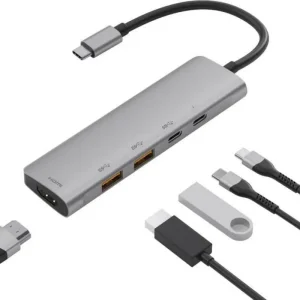
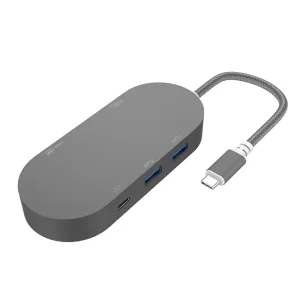
It is suitable for connecting the signal source device of the MacBook or iPadPro with the USBC port to the display device of the HDMI port. At the same time, it can connect the external devices with different requirements through the USB3.0 standard port, and can connect the power adapter with the dedicated USB-C charging port to power the signal source device.
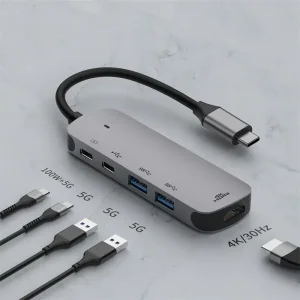
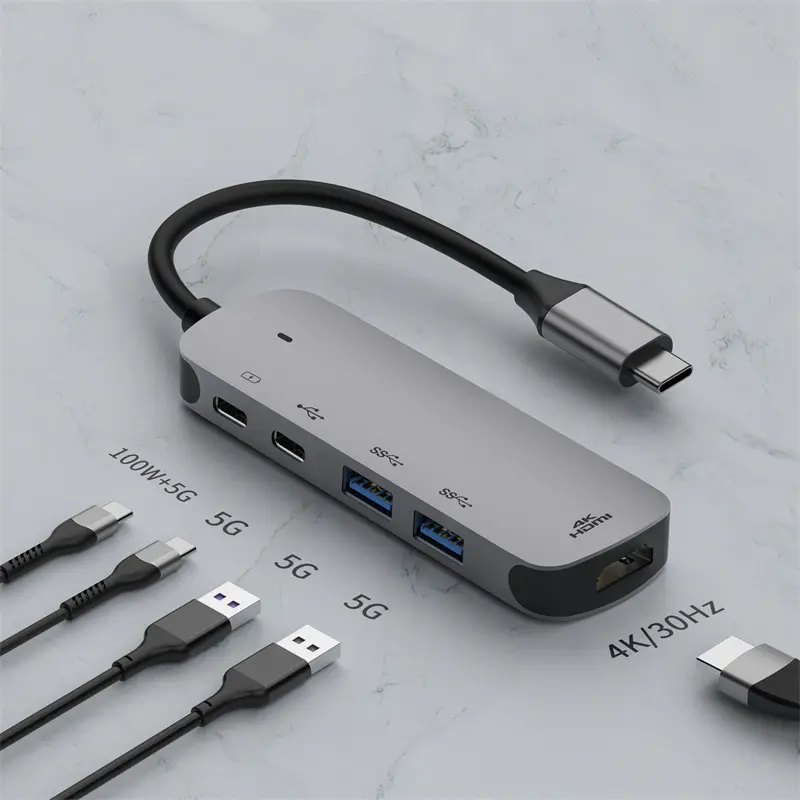
Advanced 4K/30Hz HDMI Technology, mirror or expand the screen through the 30HZ HDMI video port to directly stream 3840 x 2160 video to HDTV, monitor or projector. You can enjoy better smooth, colors, sound, and details than 30HZ port. And support lower than 4K*2K@60HZ resolution.
The 100W PD port offers continuous power delivery for your host device with max 87W while transferring files or streaming media, no worrying about power outage. Note: The PD port can support data transfer function and 13W is used to power the hub.
Designed with 2 USBA 3.2 Gen1 and 2 USBC 3.2 Gen1 ports, our USB C adapter hub provides you effortless data transfer with up to 5 Gbit / s. The capability of connecting multiple USB peripheral devices ( such as flash drive, keyboard, mouse, ect.) offers you the ultimate convenience without constantly swapping dongles.
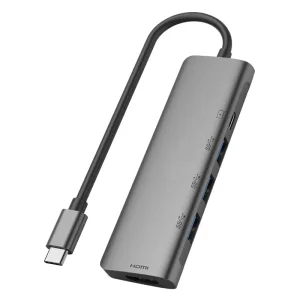
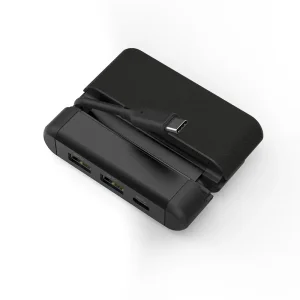
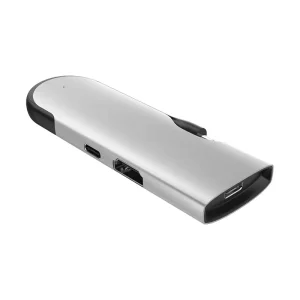
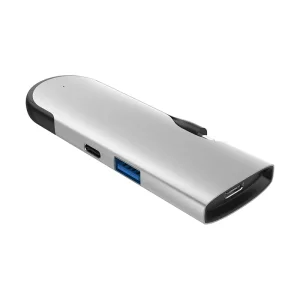
This adapter features 1*4K/30Hz HDMI video output port, 1*USB-C port with PD 100W and data transfer support, 2*USB-A 3.2 Gen1 ports, and an additional USB-C port dedicated to superior data transfer.
Yes, it uses advanced 4K/30Hz HDMI technology to directly stream 3840 x 2160 video to your HDTV, monitor, or projector. It also supports resolutions lower than 4K*2K@60Hz.
The PD port supports up to 100W power delivery. It provides continuous charging for your host device with up to 87W, while 13W is reserved to power the hub itself.
The USB-A 3.2 Gen1 and USB-C 3.2 Gen1 ports provide high-speed data transfer speeds up to 5 Gbps, allowing you to connect multiple peripheral devices like flash drives, keyboards, and mice.
Yes, the adapter is completely plug-and-play. It features a sleek, compact, pocket-sized design that is easy to carry inside your laptop sleeve, bag, or pocket without requiring external drivers.