 Taichang Electronic
1 / 1
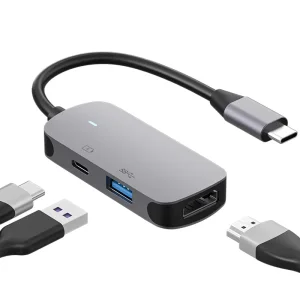
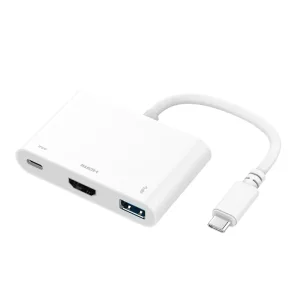
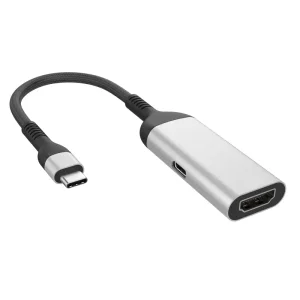
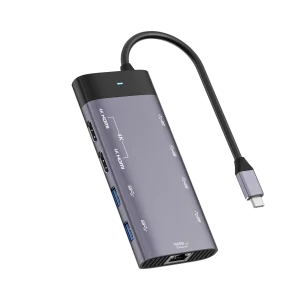
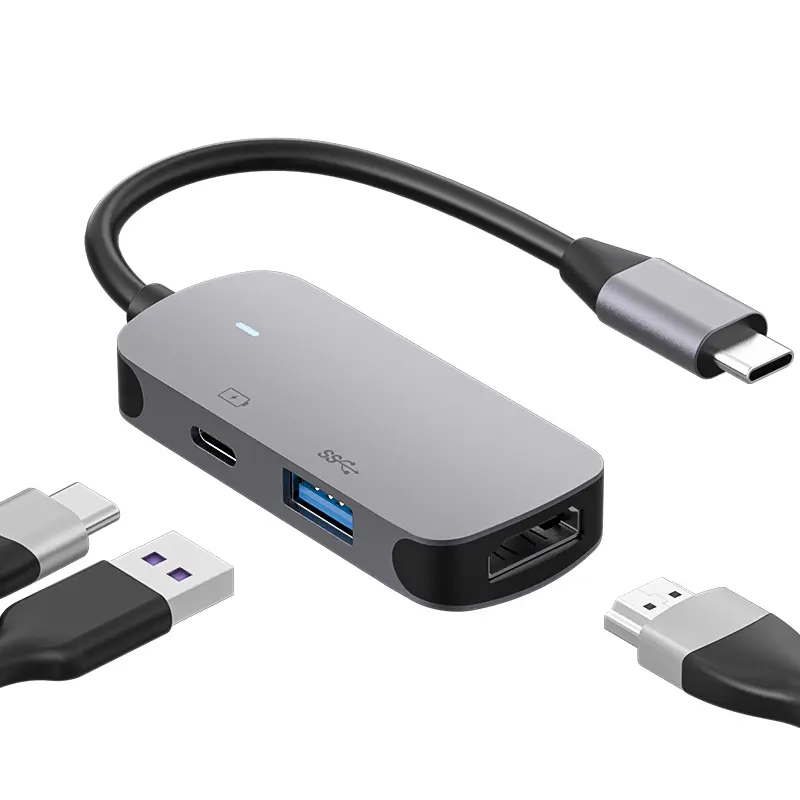
The HDMI port of this hub supports up to 4K 3840 x 2160@60Hz. It can perfectly mirror or expand your screen to monitor, HD TV or projector, you can enjoy movies with your families on external ultra HD big screen.
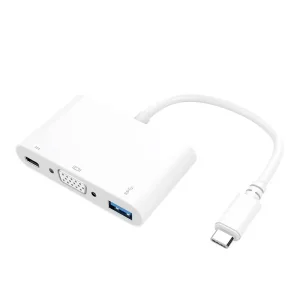
Supports PD 100W pass-through Charging, This hub can provide stable safely charging your device, Don't worry about running out of power when playing games or watching movies. The primary choice for MacBook Pro/Air or other USB C devices.
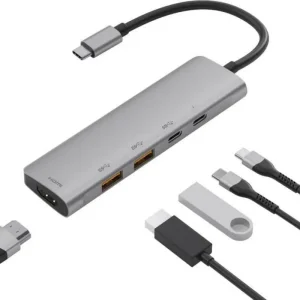
High-speed USB-A 3.0 ports, Data transmission speed up to 5Gb/s, which can connect USB flash disk, mouse, keyboard, Hard Disk, printer and other devices. 1 USB C data transmission ports, speed up to 5Gb/s. Travel Size SD/TF USB C Adapter, It takes only a few seconds to transfer photos to your laptop, capacity up to 2TB.
Have a light and stylish look. Portable design makes it easier to work and study in different environments.
When using, the breathing light is on to show the normal operation of the expansion dock.
Make sure your equipment and connection cable are working properly before you use them.
USB-C interface supports forward and backward plug and play, and there is no need to install drivers for the HUB.
When removing the device, please remove the device according to the system specification, otherwise it may cause data loss and equipment damage.
It is not recommended to use the USB-A interface to charge other devices because the current is low and the charging speed is slow.
Yes, the HDMI port supports high-definition resolutions up to 4K (3840 x 2160) at 60Hz, providing a smooth screen mirroring or expansion experience on external monitors, TVs, or projectors.
Yes, the hub features a PD 100W pass-through charging port. It allows you to safely and stably charge your MacBook Pro/Air or other USB C compatible devices while utilizing the other ports.
The USB-A 3.0 and USB-C data transmission ports support high-speed data transfer speeds up to 5Gbps. This enables quick transfers for external hard drives, flash drives, and other peripherals.
No external drivers or software installations are needed. The USB-C interface supports plug-and-play functionality across compatible operating systems.
It is not recommended to use the USB-A ports for charging external mobile devices. These ports are optimized for data transmission and provide a low output current, resulting in slow charging speeds.